Google Cloud

Google Cloud for Education

Empower your school or MAT with Google Workspace for Education.

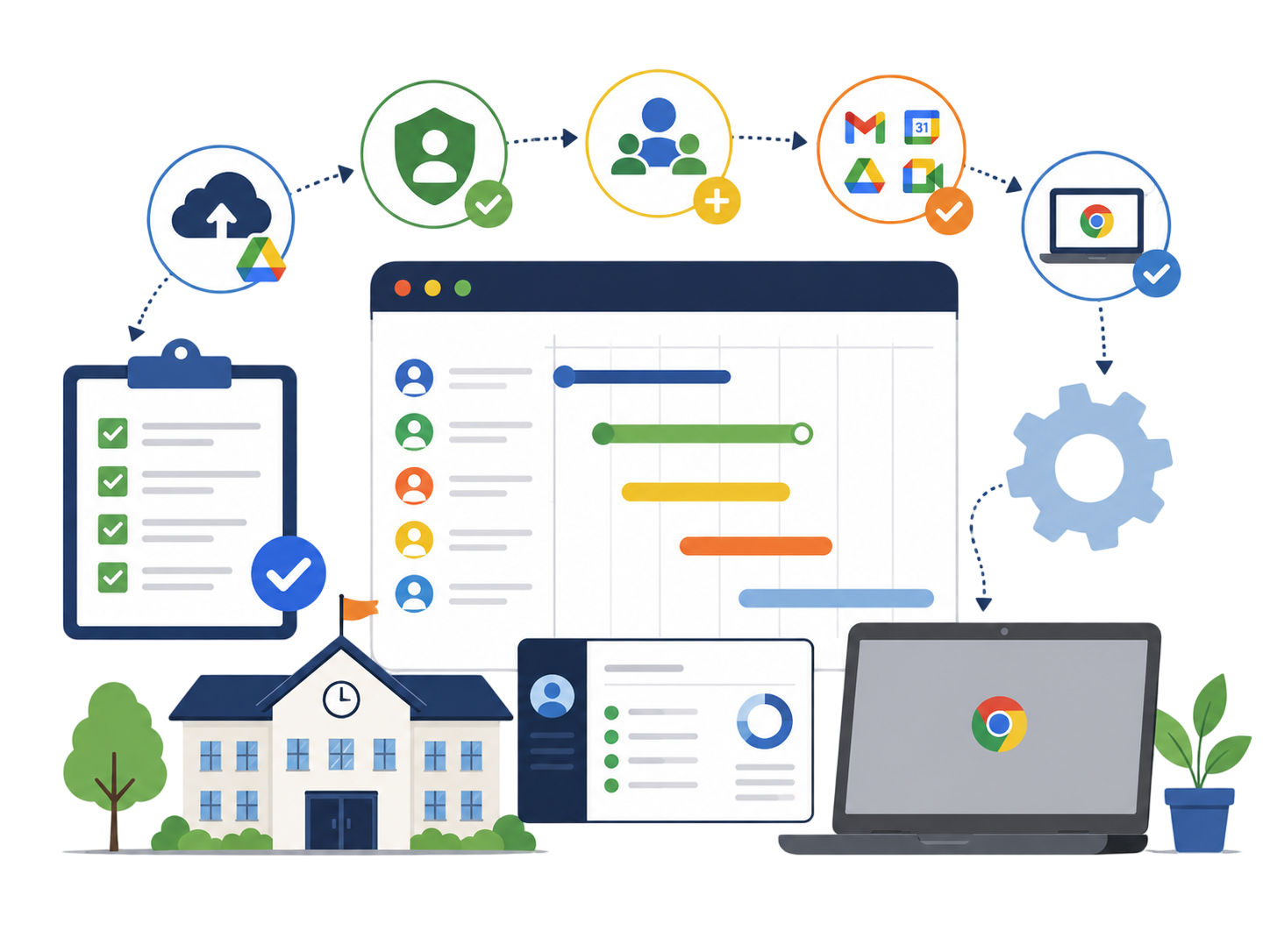
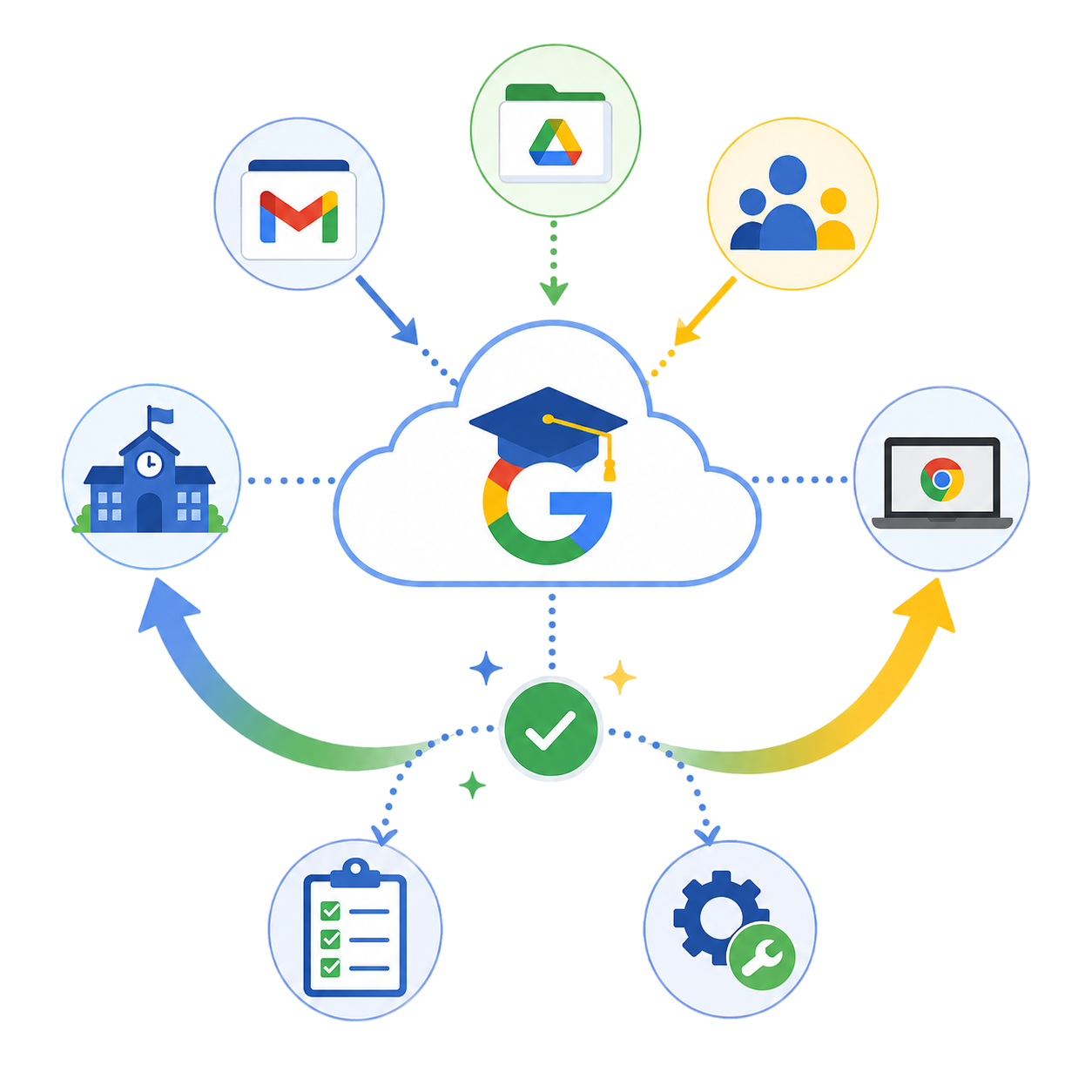
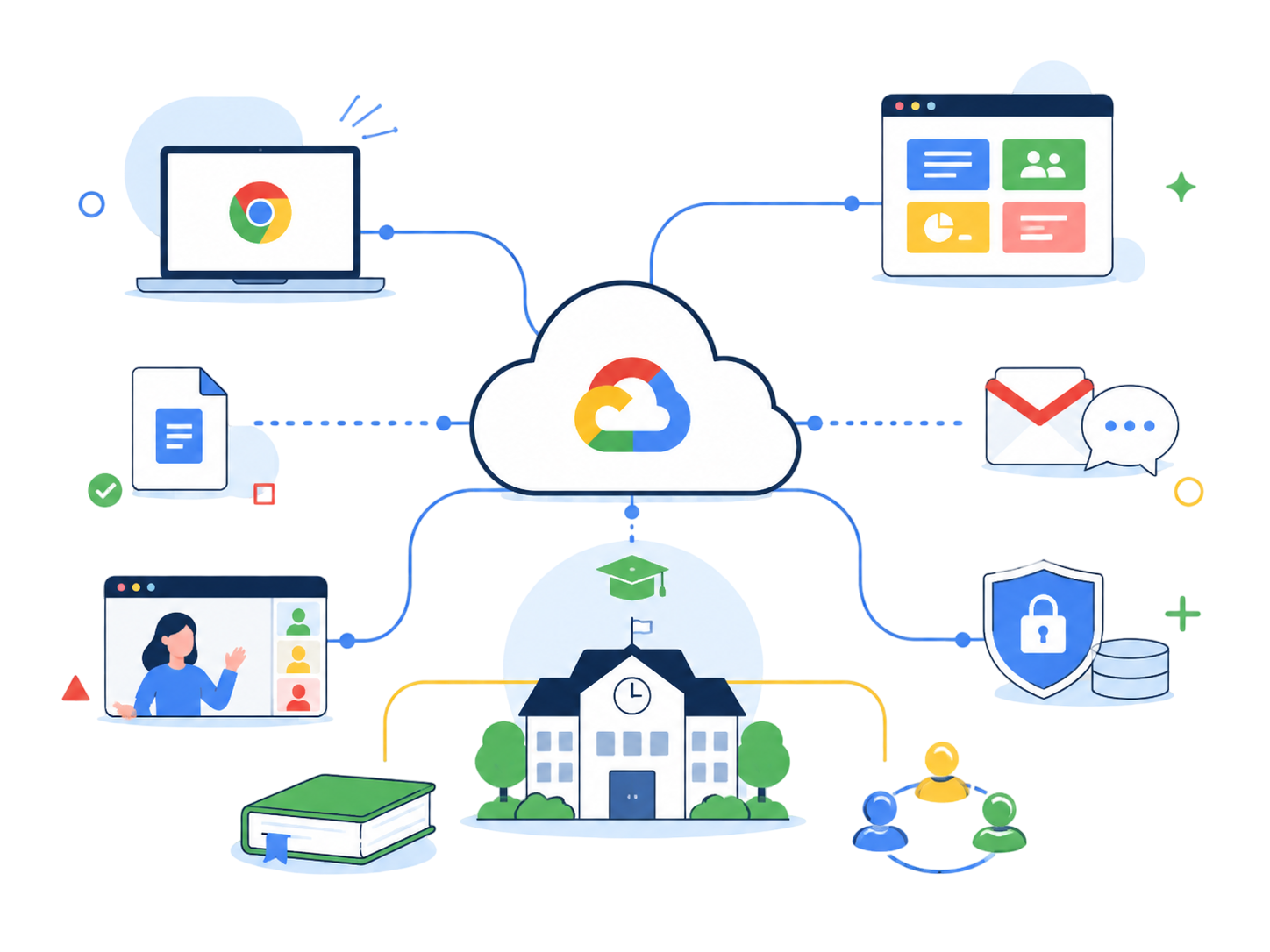
Google offers a powerful suite of cloud-based tools designed to support modern teaching, learning, collaboration, and school administration. Accessible on Chromebooks, ChromeOS devices, or any internet-connected computer using the Chrome browser, Google’s education ecosystem provides secure, flexible, scalable solutions that fit the evolving needs of UK schools and Multi-Academy Trusts.

As a trusted IT partner with over 20 years supporting the education sector, Oakford helps schools design, deploy, migrate, and manage Google Workspace for Education environments with confidence.

How Oakford Supports Your Google Cloud Journey

Consultancy & Strategic Planning

Oakford provides expert guidance for schools and MATs looking to adopt or expand their Google environment.

We help you:

  • Migrate email and file systems to Google Workspace
  • Introduce or scale Chromebook device programmes
  • Create or refine remote learning environments
  • Improve collaboration across departments or Trust sites
  • Integrate Google Workspace alongside Microsoft 365 where required

We turn your vision into a clear, achievable plan with long-term impact.

Project Management

Oakford has delivered Google Workspace and Chromebook deployments for schools and MATs across the UK.

Our project management includes:

  • Planning your migration end-to-end
  • Setting up G Suite / Google Admin
  • Single sign-on (SSO) configuration
  • Automating user creation from MIS systems
  • Integrating Google with third-party applications
  • Overseeing full Chromebook rollout processes

We ensure smooth adoption with minimal disruption to staff and students.

Full Migration Services

Google migrations can be complex and time-intensive — especially when moving email, files, users, and devices.

Oakford provides full migration support including:

  • Email migration
  • File migration to Drive or Shared Drives
  • Moving staff & student accounts
  • Chromebook enrolment & policy setup
  • Addressing compatibility and workflow changes

Our experienced migration team handles the heavy lifting, so your IT team can focus on supporting users.

Training & Support for Staff and IT Teams

We offer tailored, education-focused training:

Teacher Training

  • Google Classroom best practice
  • Remote learning workflows
  • Using Docs, Slides, Sheets & Forms
  • Collaboration tools for teaching and learning

IT Team Training

  • Google Admin Console
  • Device management & policies
  • User provisioning
  • Security & compliance settings
  • Troubleshooting & escalation
  • Support and training can be delivered onsite or remotely depending on your needs.

What's Included in Google Workspace for Education?

Google provides a flexible ecosystem of apps that support communication, productivity, and learning.

Google G Suite Admin

The central management platform for your Google domain. Manage: Users, Devices, Security settings, Licensing, Apps & extensions, Chromebook configuration.

Google Chrome & ChromeOS

Chromebooks offer a fast, secure, cost-effective alternative to traditional laptops. Use ChromeOS devices or the Chrome browser on any machine to access: Google Apps, Drive, Classroom, your full cloud environment.

Google Meet

A secure platform for: Remote lessons, Virtual parents' evenings, Broadcasts & assemblies, Staff collaboration, Cross-school MAT meetings. Students can join from any internet-connected device.

Google Cloud Apps Explained

Google G Suite Admin

Manage all of your school Google devices and services from the G Suite Admin facility. Use it to add or remove users, manage billing, set up devices, and push applications.

Google Chrome

The Google Chrome OS is used on Chromebook devices as an alternative to Microsoft Windows while the Google Chrome app can be used on any device to access your Google apps, files and more.

Google Meet

Set up remote learning for your students for free with Google Meet. Engage in secure video lessons, broadcasts and meetings using any Internet connected device to join in.

Google Mail (Gmail)

A trusted, enterprise grade email solution that provides:

  • Web based or app based access
  • Robust security & spam protection
  • Easy integration with other Google tools

Ideal for both staff and students.

Google Create Tools

A suite of cloud based productivity applications including:

  • Docs (word processing)
  • Sheets (spreadsheets)
  • Slides (presentations)
  • Forms (surveys & assessments)

These apps allow real time collaboration and version free editing.

Google Drive

Cloud storage for staff and students with powerful sharing and permission controls. Accessible via:

  • Web browser
  • Windows
  • iOS
  • Android
  • ChromeOS

Store, collaborate, and share work securely from anywhere.

Google Classroom

An intuitive teaching and learning platform that allows teachers to:

  • Create and organise classes
  • Distribute and collect assignments
  • Provide grades & feedback
  • Track student progress
  • Communicate with learners efficiently

Designed in collaboration with educators, Google Classroom is now used widely across UK schools.

Ready to Explore Google Cloud?

Oakford can design, deliver, migrate, or enhance your Google Cloud environment — whether you’re a single school or a growing Trust. Contact us today for a free consultation.

More Education Services

Scroll to Top