Microsoft Cloud

Microsoft Cloud for Education

Transform how your school or Trust works with modern, secure, cloud first technology.

Microsoft offers a powerful suite of cloud products designed to enhance collaboration, improve security, and modernise the way schools operate. As a Microsoft Education Partner and direct Microsoft Cloud Solutions Provider (CSP), Oakford works closely with schools and MATs across the UK to design, deploy, migrate, and support Microsoft cloud environments tailored to education.

From Azure to Teams, SharePoint to Intune, we help you make the most of everything the Microsoft Cloud has to offer.

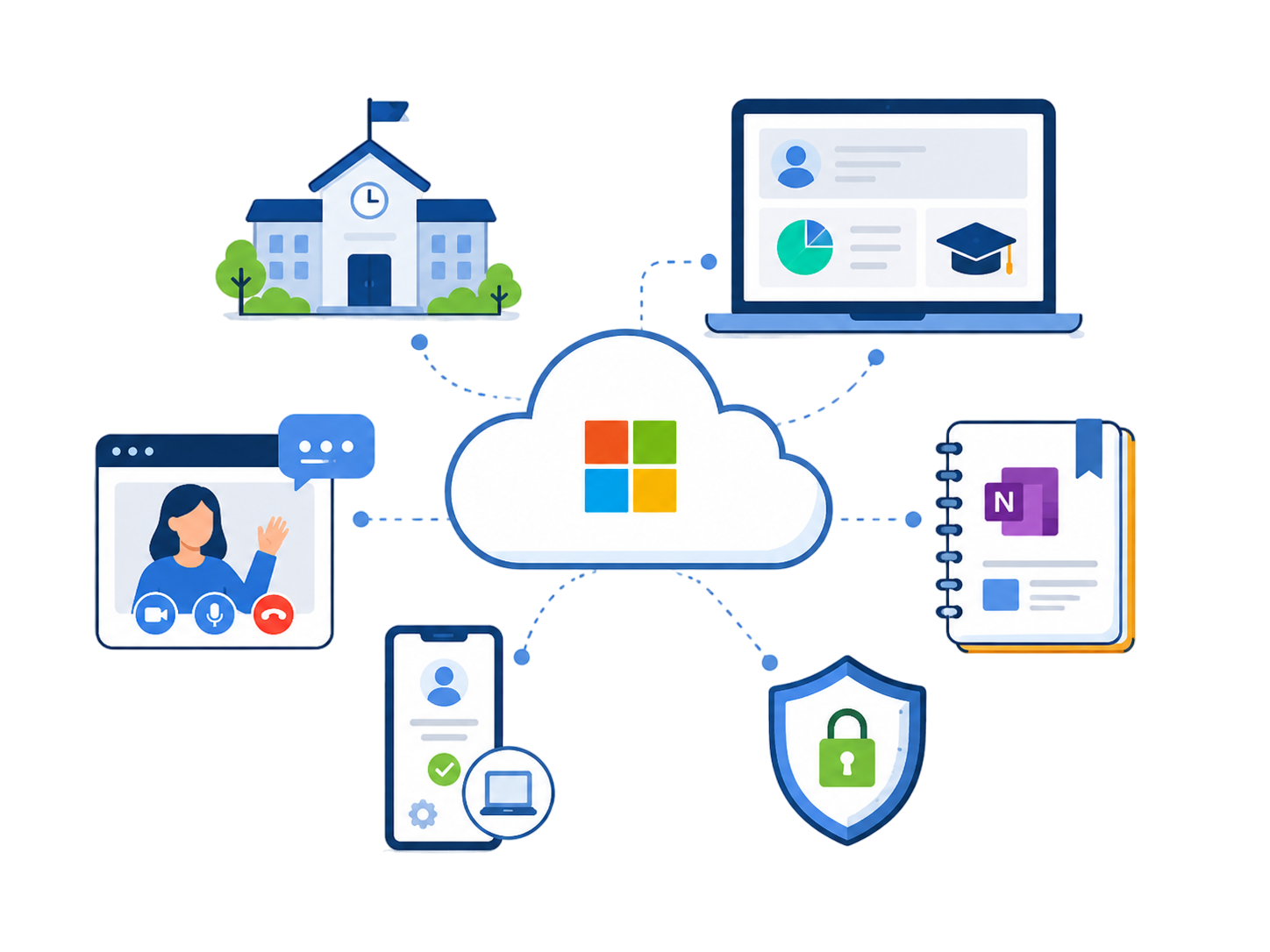
What Is the Microsoft Cloud?

Microsoft provides a wide catalogue of cloud services specifically geared toward Education, including:

  • Azure – enterprise identity, device management & cloud infrastructure
  • Microsoft 365 & Office 365 – productivity, communication & collaboration tools
  • Teams – remote learning, staff collaboration & communication
  • Class Notebook – classroom organisation & digital learning
  • Intune (Enterprise Mobility Suite) – cloud-managed device security & administration

These tools empower staff and students to work securely and effectively from anywhere, on any device.

Strategic IT Consultancy

Turn your ideas into a clear, achievable roadmap.

Whether you’re planning the next stage of your school’s development or shaping a MAT-wide digital strategy, our consultants work with senior leaders to design structured, realistic long-term plans.

Your strategic roadmap can include:

  • 3- or 5-year ICT development planning
  • Budget forecasting
  • Cloud strategy and migration plans
  • Security and compliance improvement
  • Network modernisation
  • Curriculum-aligned digital development
  • Onboarding technology for new MAT schools

We turn your goals into actionable, fully costed plans your leadership team can trust.

Solution Development & Innovation

Leverage proven solutions or develop something unique.

Oakford continuously invests in research and development, creating reliable, tested solutions for schools and MATs. Where appropriate, we can deploy an existing solution for rapid results — or design a bespoke one if your requirements are unique.

Our development services include:

  • Solution design & prototyping
  • Test-environment validation
  • Full deployment and handover
  • Optional ongoing management & refinement

This ensures your organisation benefits from innovation backed by real-world experience.

How Oakford Helps Schools & MATs Succeed in the Cloud

Consultancy & Strategic Planning

Whether you’re adopting Microsoft Cloud services for the first time or scaling across a Multi-Academy Trust, Oakford provides strategic consultancy based on proven success with UK schools and MATs.

We help you:

  • Move email and file services to the cloud
  • Design remote learning environments
  • Consolidate multiple Microsoft 365 tenants across a MAT
  • Improve collaboration and operational efficiency
  • Modernise digital workflows and identity management

We turn your goals into clear, actionable cloud strategies aligned with your school or Trust vision.

Project Management

Oakford has completed over 550 Microsoft 365 migrations for schools and academy trusts across the UK — covering Exchange, SharePoint, OneDrive, Teams, and OneNote.

Our project management includes:

  • Planning your migration from start to finish
  • Single sign-on configuration
  • Automatic account provisioning from MIS data
  • Integration with third-party systems
  • Full technical documentation
  • Hands-on guidance throughout the process

Schools and MATs trust Oakford to deliver smooth, disruption-free cloud projects.

Full Microsoft 365 Migration Services

Microsoft 365 migrations can be complex and time-consuming. Oakford’s migration team handles everything so your IT staff can stay focused on supporting users.

We provide:

  • Full tenant migration services
  • Email & data migration
  • SharePoint & Teams structure design
  • Escalation to Microsoft when required
  • Seamless cutovers with minimal downtime

Your data, accounts, permissions, and workflows are securely migrated into a modern cloud environment.

Training & Support for Staff and IT Teams

We tailor our training to the needs of staff, teachers, and technical teams:

Teacher Training — Focused on:

  • Teams for education
  • Class Notebook
  • Collaboration tools
  • Remote learning workflows
  • Maximising Microsoft 365 in the classroom

IT Team Training — Covering:

  • Admin portals
  • Security & compliance
  • Automation
  • User/ device management
  • Troubleshooting & escalation

Training and support can be delivered onsite or remotely, depending on your needs

Microsoft Cloud Apps Explained

Microsoft Azure

Azure Active Directory enables identity and access management across both local and cloud systems. Benefits include:

  • Single sign-on (SSO) for apps
  • Integration with your school network
  • Secure authentication using school credentials
  • Flexible hosting, backup, and infrastructure options

Azure is also ideal for MAT-wide identity standardisation.

Microsoft Office

Provide staff and students with industry-leading apps including: Word, Excel, PowerPoint, Outlook, Publisher and OneNote. Accessible via:

  • Desktop apps
  • Mobile apps
  • Web browser versions

Collaborate in real-time on documents, improving productivity and teaching workflow efficiency.

Microsoft Intune

A cloud-based MDM (Mobile Device Management) solution used to manage: Laptops, Tablets, Mobile devices, BYOD environments. Intune lets you:

  • Push apps
  • Enforce security policies
  • Manage updates
  • Control access and permissions

Perfect for MATs standardising device management across multiple schools.

Exchange Online

Cloud-based email that gives staff and students secure access to their inboxes from any device. Features include:

  • Enterprise-grade security
  • Anti-spam and anti-malware protection
  • Flexible mailbox management
  • Seamless Outlook compatibility

SharePoint & OneDrive

Enable cloud file storage that supports collaboration, centralisation, and remote access.

  • SharePoint: Shared document libraries, Department & MAT hubs, Workflows, news, intranet
  • OneDrive: Secure personal storage, Anywhere-anytime access, Auto-saved documents

Both are accessible via browser or apps on Windows, macOS, iOS, and Android.

Microsoft Teams

Teams brings communication, collaboration, teaching, and remote learning together in one place. Use Teams for:

  • Remote or hybrid lessons
  • Staff meetings & CPD
  • Cross-school MAT collaboration
  • Secure chat and file sharing
  • Department or project channels
  • Video conferencing

Teams is now a core learning and communication platform for schools across the UK.

Interested?

Find out how Oakford can design, deliver, migrate, or optimise your Microsoft Cloud environment. Contact us today for a free consultation.

More Education Services

Scroll to Top